
This article covers how to edit and change the settings in your BasicOps Workspace as an Administrator and Individual.
Note: You will only see the Administration Settings when you are an Administrator.
In this article, we will cover:
Administration 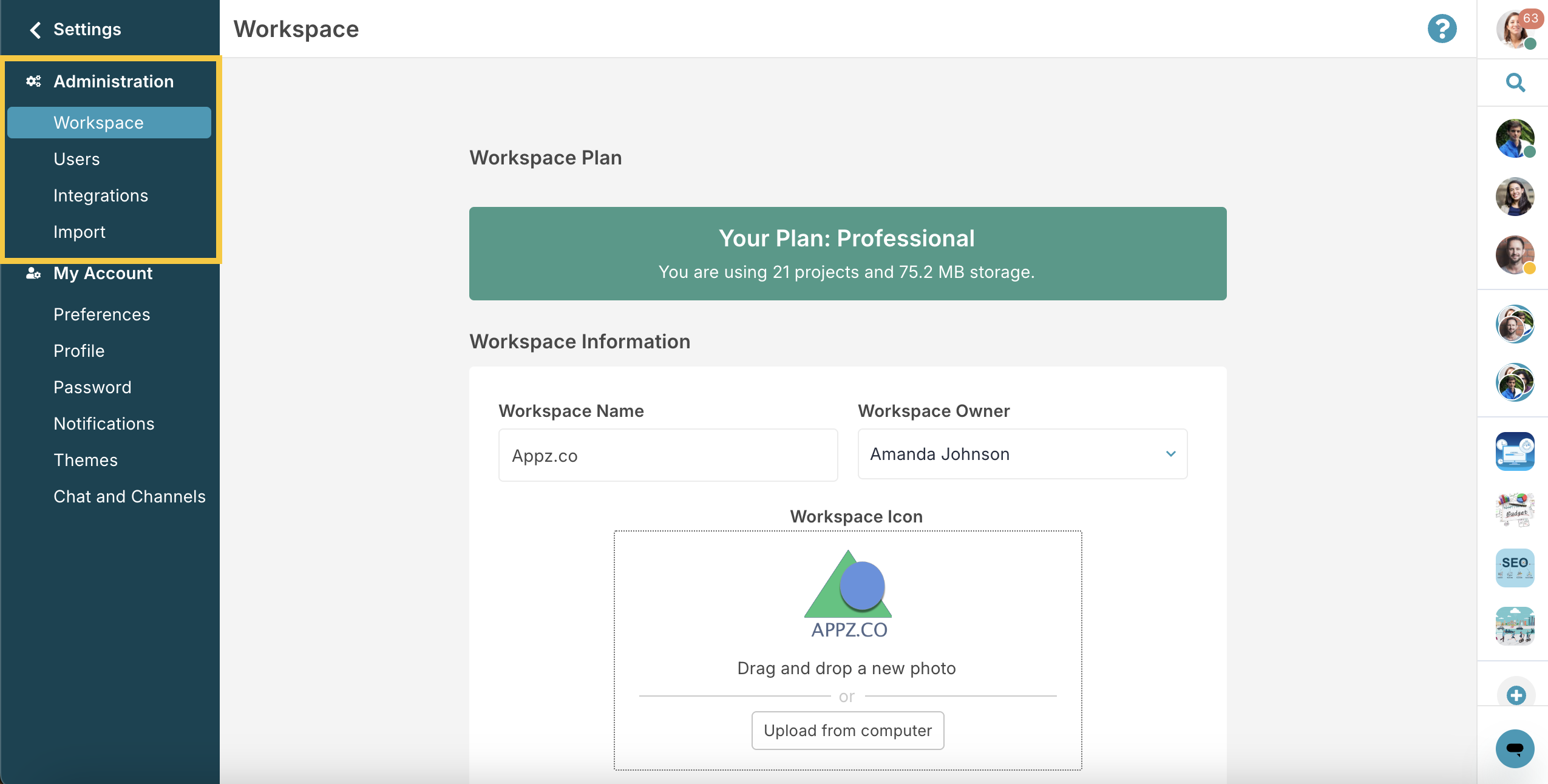
Note: Some tabs are only visible to Admins on their BasicOps Workspace. This includes the Workspace, Users, Integrations, Import, Task Status and Plans sections.
Workspace
Here you can edit your Workspace details. This includes name, plan, ownership, and access permissions.
Users
In your BasicOps Workspace, you can add team members as Users, External Users, or Vendors.
Integrations
Your BasicOps Workspace can be connected to applications like Zoom or Webex Meetings. Admins can add or remove integrations. Some integrations are only accessible in certain plans.
Import
Easily import tasks, projects, and users from platforms like Asana, Trello, or monday.com.
Task Status
Through Task Status, you can create and customize task statuses for your Workspace. You can add, remove, or color-code status categories.
Note: Task Status is only available to Business plans and up.
Plans
Choose from four Workspace plans - Free, Standard, Professional, and Enterprise. Each offers different features and user limits. To change your plan, click Select on the plan you want.
My Account
Note: These settings are available to all users.
Preferences
All users can customize their notifications, calendar integrations, and display options in the Preferences tab.
Profile
Use the Profile option to update your personal information. This includes name, email, and profile photo.
Password
You can change or reset your password here.
Notifications
Here, you can edit your notifications for each platform.
Note: Device and browser settings may also change how you receive BasicOps notifications.
Themes
Users have the ability to change the appearance of their Workspace with available themes.
Chat and Channels
Here, you can edit your Chat and Channels preferences.
To read more about Chat and Channels Settings, read here.
Article is closed for comments.